If you use MTN in Nigeria, there are many situations where you might need to share data with family, friends, or colleagues. Maybe someone around you has run out of data, or you simply want to help a friend stay connected online.
Fortunately, MTN provides a feature called MTN Data Share, which allows subscribers to transfer part of their data bundle to another MTN user.
Many Nigerians search online for how to share data on MTN, the MTN data sharing code, and the steps to transfer data on MTN. In this complete guide, you will learn everything you need to know about MTN data share in Nigeria.
In this article, we will cover:
- What MTN Data Share is
- Requirements for sharing data on MTN
- The code to share data on MTN
- Step-by-step instructions to transfer data
- How to add or remove beneficiaries
- MTN data sharing limits and charges
- Alternative ways to buy cheap data in Nigeria
By the end of this guide, you will know exactly how to transfer data on MTN quickly and easily.
What Is MTN Data Share?
MTN Data Share is a feature that allows MTN subscribers to share their internet data with other MTN users.
Instead of buying a new data bundle for someone else, you can simply transfer part of your existing data bundle to another MTN line.
For example:
- A parent can share data with their children
- Friends can transfer data to each other
- Business owners can share data with staff
- Students can share data with roommates or classmates
This feature is very useful when someone urgently needs internet access and you already have active MTN data on your line.
When you use MTN data sharing, the recipient will receive the transferred data instantly and can start using it immediately.
Requirements for Sharing Data on MTN
Before you can share data on MTN in Nigeria, there are a few things you need to know.
Here are the basic requirements:
1. You Must Have an Active MTN Data Bundle
You can only transfer data if you already have active data on your MTN line.
2. The Recipient Must Be an MTN User
MTN data sharing only works between MTN subscribers.
You cannot transfer data from MTN to other networks like:
- Airtel
- Glo
- 9mobile
3. Add the Recipient as a Beneficiary
In many cases, MTN requires you to add the person as a data share beneficiary before transferring data.
4. Follow MTN Transfer Limits
MTN places limits on how much data you can share.
We will explain these limits later in this guide.
How to Share Data on MTN Using USSD Code
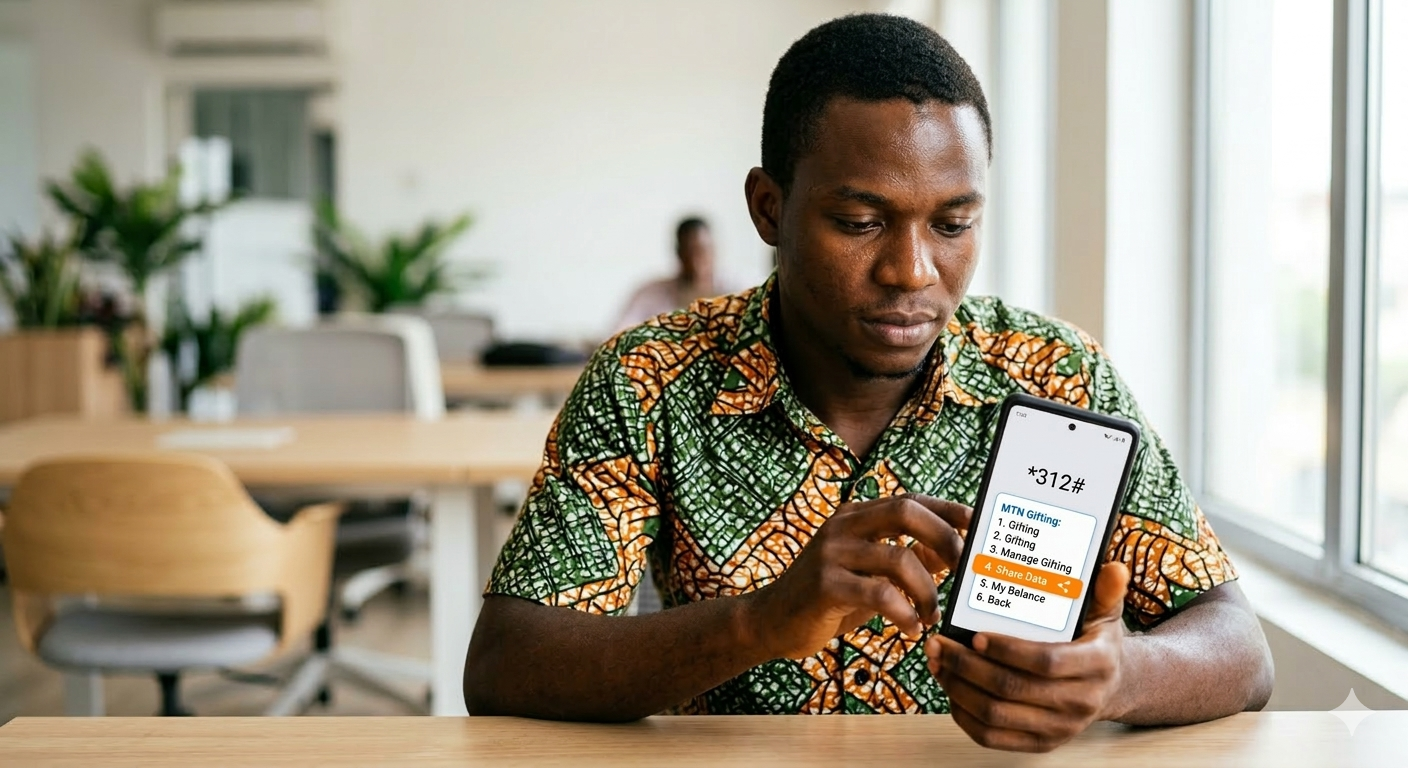
The easiest way to transfer data on MTN is by using the MTN data share USSD code.
Follow these simple steps:
Step 1: Dial the MTN Data Share Code
On your MTN phone, dial:
*312#
Step 2: Select “Gift Data”
After dialing the code, a menu will appear.
Choose:
Gift Data
Step 3: Select “Transfer from Data Balance”
Next, select the option that allows you to transfer data from your existing bundle.
Step 4: Enter the Recipient's Phone Number
Enter the MTN phone number you want to send data to.
Step 5: Select the Amount of Data
Choose the amount of data you want to transfer.
For example:
- 100MB
- 500MB
- 1GB
Step 6: Confirm the Transfer
Confirm the transaction and the data will be sent instantly.
The recipient will receive an SMS notification once the data transfer is successful.
MTN Data Share Code in Nigeria
Below are the most commonly used MTN data sharing codes in Nigeria.
| Action | MTN Code |
|---|---|
| Share data | *312# |
| Check data balance | *323# |
| Buy data plan | *312# |
| Gift data | *312# |
These USSD codes work on most MTN SIM cards in Nigeria.
If the code does not work on your phone, you may need to update your MTN SIM menu or try again later.
How to Add a Beneficiary for MTN Data Sharing
Before transferring data, you may need to add the recipient as a beneficiary.
Here is how to do it.
Step 1
Dial:
*312#
Step 2
Select:
Gift Data
Step 3
Choose:
Manage Beneficiaries
Step 4
Select:
Add Beneficiary
Step 5
Enter the MTN phone number of the person.
Step 6
Confirm the request.
Once added, you can now transfer data to that number anytime.
How to Remove a Beneficiary
If you no longer want to share data with someone, you can remove them from your beneficiary list.
Follow these steps:
Step 1
Dial:
*312#
Step 2
Select:
Gift Data
Step 3
Choose:
Manage Beneficiaries
Step 4
Select:
Remove Beneficiary
Step 5
Choose the number you want to remove.
Once removed, you will not be able to transfer data to that number again until it is added again.
MTN Data Share Limits and Charges
MTN sets limits on how much data you can transfer.
Below is a general guide.
| Data Transfer Type | Limit |
|---|---|
| Maximum beneficiaries | Up to 5 users |
| Minimum data transfer | Usually 50MB |
| Maximum transfer per day | Depends on plan |
Important things to know:
- Some MTN plans allow multiple transfers per day
- Transfers are usually instant
- You cannot transfer more data than you currently have
Always check your data balance before sharing data.
Dial:
*323#
to check your MTN data balance.
Alternative Way to Buy Cheap Data in Nigeria
While MTN data sharing is useful, it may not always be the best option.
Sometimes:
- Your data bundle might be too small
- MTN data prices may be expensive
- You may want cheaper internet options
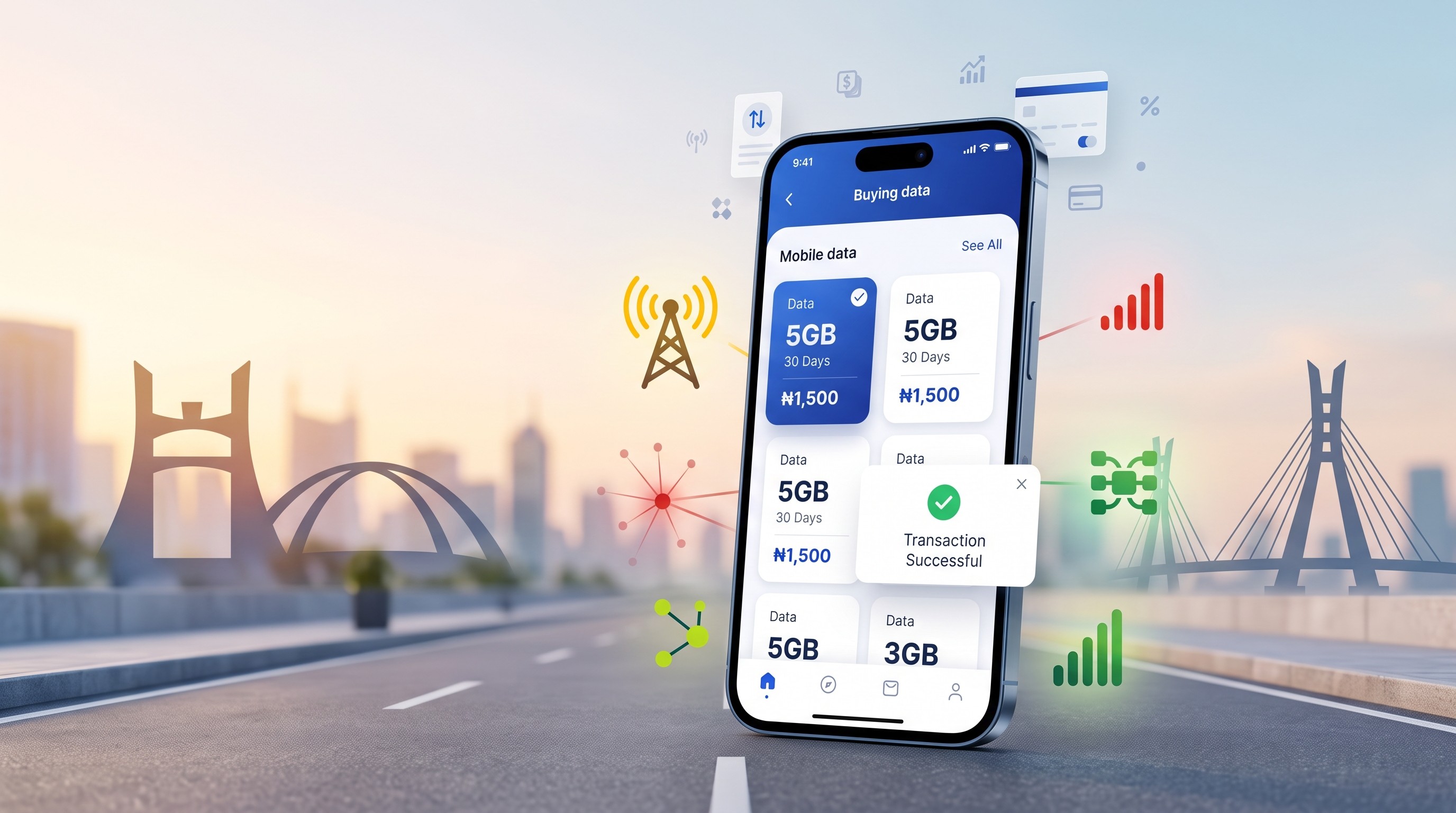
In Nigeria, many people now use VTU platforms to buy cheaper data bundles online.
One option is , a platform where users can buy affordable data bundles, airtime, electricity tokens, and other digital services.
Instead of waiting for someone to transfer data, you can simply buy cheap data instantly through a VTU platform.
This is especially useful for:
- Students
- Remote workers
- Small businesses
- Frequent internet users
Buy Cheap Data Easily in Nigeria
If you frequently need data, the easiest solution is to buy affordable data bundles online.
Platforms like ** allow users in Nigeria to:
- Buy cheap SME data bundles
- Recharge airtime
- Pay electricity bills
- Subscribe to cable TV
- Purchase exam pins
The process is simple:
- Create an account
- Fund your wallet
- Select the data plan you want
- Purchase instantly
Many Nigerians prefer this option because it can sometimes be cheaper than regular network data plans.
Frequently Asked Questions (FAQs)
What is the code to share data on MTN?
The most common MTN data sharing code in Nigeria is:
*312#
Dial the code and select Gift Data to transfer data to another MTN user.
Can I share SME data on MTN?
In most cases, SME data bundles cannot be transferred using MTN Data Share.
SME data is usually tied to the SIM that purchased it.
Is MTN data sharing free?
MTN usually does not charge for the transfer itself, but the data will be deducted from your existing bundle.
Always confirm before transferring.
How many people can I share data with on MTN?
MTN typically allows you to add up to 5 beneficiaries to your data share list.
You can transfer data to any of them once they are added.
Why is MTN data sharing not working?
There are several reasons why MTN data sharing may fail:
- You do not have enough data
- The recipient has not been added as a beneficiary
- Network issues
- The data bundle does not support sharing
Try again later or check your data balance.
Final Thoughts
Knowing how to share data on MTN is very useful, especially when someone around you urgently needs internet access.
Using the MTN data share code, you can easily transfer part of your data bundle to another MTN user in just a few steps.
However, if you need cheaper and more flexible data options, many Nigerians now prefer buying data online through trusted VTU platforms like Inlomax.
Whether you choose to share data or buy a new bundle, staying connected to the internet has never been easier.